





Working with a Remote NVQ Assessor
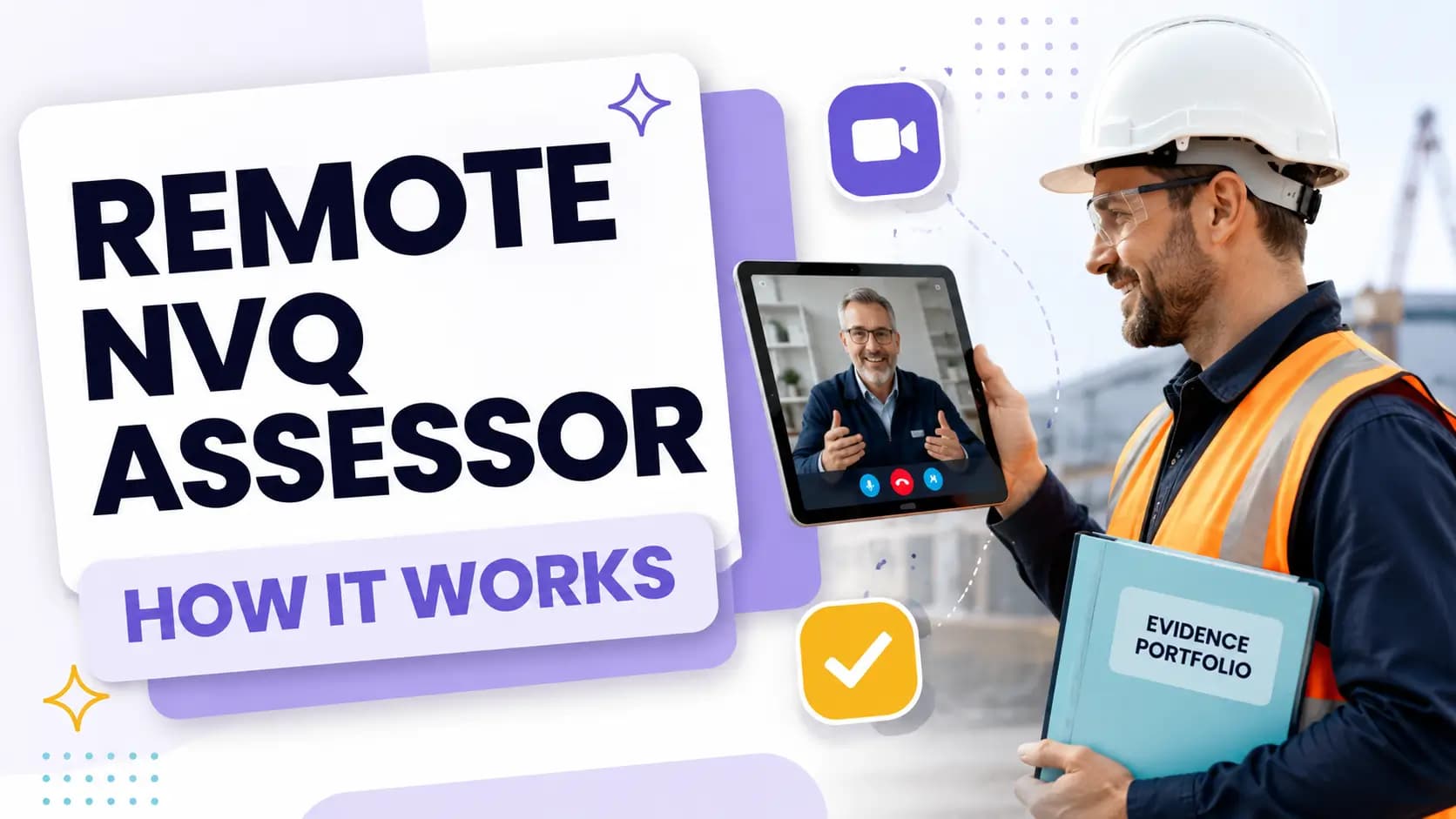
Remote assessment allows many parts of an NVQ to be managed without the assessor and candidate meeting regularly in the same physical location.
Candidates may use an electronic portfolio to submit evidence, attend professional discussions by video call and receive assessment feedback online. Where permitted, some workplace activities may also be observed through a live video connection.
However, remote delivery does not turn an NVQ into a purely online qualification. Candidates must still demonstrate genuine occupational competence, and some activities may require direct or live workplace observation.
A successful remote assessment depends on careful planning, regular communication, suitable technology and evidence that the assessor can confidently authenticate.
What Remote NVQ Assessment Means
A remote NVQ assessor performs the same fundamental role as an assessor who visits the candidate in person. The assessor evaluates performance and evidence against the qualification’s units and assessment criteria.
The difference is how communication, evidence submission and certain assessment activities are managed.
Activities That Can Often Be Completed Remotely
Depending on the qualification and assessment strategy, remote activities may include:
Candidate induction
Initial assessment
Unit planning
Evidence mapping
Electronic portfolio reviews
Professional discussions
Oral knowledge questions
Written questions
Progress meetings
Assessor feedback
Witness interviews
Verification of workplace documents
Live video observations where permitted
Current CSCS guidance confirms that candidates may use electronic portfolios, recorded discussions and written answers supported by demonstrative work-based evidence. It notes that much of this process can often be completed remotely. Official CSCS delivery guidance
Activities That May Require Workplace Observation
An NVQ confirms workplace competence. Certain units may therefore require the assessor to observe the candidate carrying out practical or managerial activities.
Depending on the qualification, this could include:
Performing a skilled occupational task
Operating equipment
Inspecting completed work
Conducting a workplace briefing
Supervising a team
Coordinating resources
Managing a health and safety activity
Leading a meeting
Responding to changing workplace conditions
Checking that work meets required standards
Observation may be conducted in person or through an approved live-video method. The awarding organisation, assessment strategy and centre determine what is acceptable.
A candidate should never assume that recorded video or photographs will automatically replace assessor observation.
Confirm the Assessment Arrangements Before Enrolling
Remote-assessment procedures vary between qualifications and assessment centres. Obtain clear information before registration.
Verify the Qualification and Centre
Ask the provider to confirm:
The complete regulated qualification title
The awarding organisation
The approved centre responsible for assessment
The units and occupational pathway
The name or role of your assessor
Whether the assessor is occupationally competent
Which activities can be assessed remotely
Whether physical site visits will be required
How evidence will be internally quality-assured
How certification will be claimed
The provider should also complete an initial assessment to confirm that your role offers sufficient access to the required occupational activities.
Clarify the Technology Required
Confirm which systems will be used for:
Video meetings
Live observations
Electronic portfolios
File transfer
Electronic signatures
Feedback and progress records
Identity verification
Technical support
Test the systems before the first formal assessment. Make sure your internet connection, camera, microphone and device can support the required activities.
If you are working with an assessor in another country or time zone, agree which time zone will be used for all appointments.
Check Employer Permission
Your employer may need to approve:
Video calls from the workplace
Live or recorded observations
Photographs on site
Sharing company documents
Interviews with supervisors
Access to clients or restricted areas
Storage of evidence outside company systems
Resolve these issues early. Discovering later that evidence cannot leave the workplace can cause significant delays.
Building an Effective Working Relationship
Remote assessment works best when the candidate and assessor maintain regular, structured communication.
Complete a Thorough Induction
The induction should explain:
How the qualification is structured
Which units you must complete
How evidence will be assessed
What makes evidence valid and authentic
How to use the portfolio platform
How feedback will be provided
How often progress will be reviewed
What happens if evidence is insufficient
The complaints and appeals procedure
Data-protection and confidentiality requirements
Ask questions during the induction. Unclear expectations at the beginning often lead to unnecessary evidence or missed assessment opportunities later.
Agree an Assessment Plan
Your assessment plan should identify:
The units being assessed
Relevant workplace activities
Planned evidence
Observation opportunities
Suitable witnesses
Target review dates
Areas requiring additional development
Responsibilities of the candidate and assessor
CITB describes NVQ assessment as a planned process involving induction, evidence planning, workplace observation, knowledge questioning and portfolio sign-off. CITB workplace-assessment guidance
Review the plan regularly because workplace schedules can change. If an important activity is approaching, notify the assessor before it takes place.
Agree a Communication Routine
Establish:
How frequently progress meetings will occur
Which communication channel should be used
When the assessor normally responds
How urgent questions should be raised
How assessment feedback will be recorded
What to do if an appointment must be changed
A short scheduled meeting every few weeks can be more productive than irregular messages sent only when problems arise.
Respond to Feedback Precisely
Assessor feedback should explain what has been accepted and what remains outstanding.
When additional evidence is requested, clarify:
Which unit or criterion remains incomplete
Why the existing evidence is insufficient
What type of evidence would address the gap
Whether another observation is needed
Whether questioning could cover the missing knowledge
When the new evidence should be submitted
Uploading a large number of unrelated files rarely resolves a specific assessment gap.
Managing an Electronic Portfolio
An electronic portfolio creates an audit trail showing how your evidence supports the qualification requirements.
It should be easy for the assessor and quality assurer to follow.
Use Clear File Names
Avoid names such as:
IMG001Document-finalNew-reportEvidence-2
Use a consistent naming system that includes the date, activity and evidence type.
For example:
2026-08-15_Site-Inspection_Observation-Evidence
or:
2026-08-15_Risk-Control_Management-Report
Clear file names reduce confusion and make later portfolio reviews more efficient.
Explain What Each Item Demonstrates
For every item, provide enough context to answer:
What activity took place?
When and where did it happen?
What was your personal responsibility?
What decisions did you make?
What was the result?
Which unit or criterion does it support?
Do not expect the assessor to interpret unexplained photographs or identify your contribution from a complex company document.
Cross-Reference Evidence
One workplace activity may support several units.
For example, a project meeting could demonstrate:
Communication
Planning
Resource coordination
Risk management
Monitoring
Working relationships
Cross-reference the same evidence to relevant criteria rather than uploading multiple copies.
Only map evidence where the connection is genuine. One document should not be forced to cover criteria it does not demonstrate.
Focus on Evidence Quality
Assessment evidence should be:
Valid
Authentic
Current
Reliable
Sufficient
City & Guilds quality-assurance guidance uses these principles when evaluating vocational evidence. It also requires a clear audit trail so assessors and quality assurers can identify how the qualification requirements have been met. City & Guilds assessment-quality guidance
A smaller number of relevant, well-explained files may be stronger than hundreds of poorly labelled photographs.
Preparing for a Remote Workplace Observation
A remote observation normally requires the assessor to watch the activity live through a video connection. It should be planned with the same care as an in-person visit.
Confirm That Remote Observation Is Permitted
Before arranging the session, confirm:
The qualification allows remote observation.
The awarding organisation accepts the proposed method.
The assessment centre has approved the arrangement.
Your employer permits filming or live video.
The activity can be observed safely.
Confidentiality can be protected.
The assessor can authenticate your identity and work.
Some high-risk, regulated or technically complex activities may not be suitable for remote observation.
Prepare the Work Area
Before the session:
Check the mobile or Wi-Fi signal.
Charge the recording device.
Test the camera and microphone.
Arrange a safe camera position.
Confirm that the complete activity will be visible.
Remove unnecessary confidential information.
Obtain consent from anyone who may appear.
Make sure site rules permit electronic devices.
Identify a backup contact method.
Keep relevant documents accessible.
The need to position a camera must never introduce a workplace hazard or distract the candidate from performing the activity safely.
Make the Activity Visible
The assessor must be able to see enough detail to make a reliable decision.
A remote observation may need to show:
The work area
Your identity
Preparation for the task
Resources selected
Relevant safety controls
Your actions during the activity
Communication with others
Quality checks
The completed outcome
A distant, unstable or interrupted video feed may not provide sufficient evidence.
Plan for Technical Failure
If the connection fails:
Stop the assessment if instructed.
Continue the work safely according to workplace requirements.
Contact the assessor through the agreed backup method.
Do not attempt to repeat a hazardous activity solely for the camera.
Reschedule the observation if the assessor could not see enough.
Retain supporting workplace evidence where permitted.
The assessor should only make decisions using evidence they can validate.
Professional Discussions and Knowledge Questions
Professional discussions are particularly useful during remote assessment. They allow the assessor to explore the candidate’s knowledge, decisions and responsibility.
Prepare From Your Own Work
Before the discussion, review:
The relevant units
Evidence already submitted
Projects or activities being discussed
Decisions you made
Problems encountered
Standards and procedures applied
Outcomes and improvements
Limits of your authority
Answer from your own experience. Generic, memorised responses may not demonstrate how you apply knowledge in practice.
Be Ready to Explain Decisions
The assessor may ask:
Why did you choose that method?
What alternatives did you consider?
How did you control the risks?
Which procedures applied?
Who did you consult?
How did you check the result?
What would you do differently?
What would happen under different conditions?
These questions help establish competence and verify that submitted documents represent your own work.
Understand Recording Arrangements
Professional discussions may be recorded as assessment evidence. Before starting, confirm:
Whether recording will take place
How consent will be documented
Where the recording will be stored
Who can access it
How long it will be retained
Whether a backup record will be produced
Do not independently record confidential assessment meetings unless permission has been given.
Using Witnesses Remotely
A witness can confirm workplace activities that the assessor did not directly observe.
Suitable witnesses may include:
Supervisors
Managers
Experienced colleagues
Clients
Project representatives
Other occupationally competent professionals
What the Witness Should Confirm
A witness statement should describe:
The witness’s identity and role
Their relationship with you
The activity observed
Your personal contribution
The competence demonstrated
The date and workplace
The outcome of the activity
The assessor may contact the witness by phone or video to verify the statement.
General praise such as “the candidate is an excellent worker” provides limited assessment value. The testimony should describe specific observed performance.
Protecting Confidential Information
Remote portfolios may contain workplace documents, images and recordings that should not be shared without appropriate controls.
Review Documents Before Uploading
Check for:
Employee names
Customer details
Medical information
Contact details
Signatures
Financial information
Access credentials
Site-security information
Commercially sensitive data
Hidden spreadsheet columns or document metadata
The ICO recommends checking documents for hidden personal information and removing or redacting information where appropriate before disclosure. ICO document-disclosure guidance
Use Approved Systems
Submit evidence through the system approved by the assessment centre. Avoid sending sensitive documents through personal messaging services unless the centre and employer have authorised that method.
If an original document cannot leave the workplace, ask whether the assessor or quality assurer can review it securely in its usual location.
Common Remote-Assessment Problems
Irregular Communication
Long gaps between meetings can allow evidence problems to accumulate. Maintain the agreed review schedule and inform the assessor about changes to your role or work programme.
Uploading Evidence Without Context
An unexplained file may be difficult to assess. Add a short evidence statement describing your role and the requirements covered.
Missed Observation Opportunities
Some workplace activities occur infrequently. Tell the assessor in advance when specialist or high-value assessment opportunities are approaching.
Poor Video or Audio Quality
Test your device and connection before a formal observation or professional discussion. The assessor must be able to see and hear enough to make a reliable decision.
Expecting the Assessor to Create the Portfolio
The assessor provides guidance, reviews evidence and makes assessment decisions. The candidate remains responsible for producing authentic evidence and demonstrating competence.
Treating Remote Assessment as a Shortcut
Remote delivery may reduce travel and make communication more flexible, but it does not reduce the occupational standard. Every required unit must still be completed.
Is a Remote NVQ Assessor Right for You?
Remote assessment may work well if you:
Are comfortable using digital systems
Have reliable internet access
Can collect electronic workplace evidence
Communicate regularly
Work far from the assessment centre
Travel between sites
Have employer permission to share evidence
Can arrange approved observations when required
A more local or face-to-face arrangement may be preferable if:
Internet access is unreliable
Your work is difficult to show by video
The workplace prohibits recording
The qualification requires frequent direct observation
You need substantial practical training
You require regular in-person support
The best arrangement is the one that allows valid assessment without compromising safety, confidentiality or qualification standards.
Frequently Asked Questions
Some qualifications can be managed largely remotely, particularly at supervisory or management levels. However, the candidate must still provide genuine workplace evidence, and certain units may require live or direct observation.
Possibly, but only if the assessor and qualification rules allow them. Prerecorded video may support a portfolio, but it may not replace live observation where the assessor must authenticate performance in real time.
There is no universal schedule. Agree regular progress meetings based on the qualification, work programme and evidence plan. Contact the assessor early when important assessment opportunities arise.
Potentially, provided the centre and awarding organisation approve the arrangements and all assessment requirements can be met. Time zones, workplace access, language and live-observation arrangements should be agreed before enrolment.
Follow the agreed contingency plan. The observation may need to be rescheduled if the assessor could not view enough of the activity to make a valid decision.
Work-related messages may provide supporting evidence where permitted, but confidential information must be protected. The assessor must be able to verify their authenticity, context and relevance.
Possibly. It depends on the qualification, assessment strategy, workplace activities and whether remote methods provide sufficient evidence. Confirm this with the assessment centre before enrolling.
Categories :